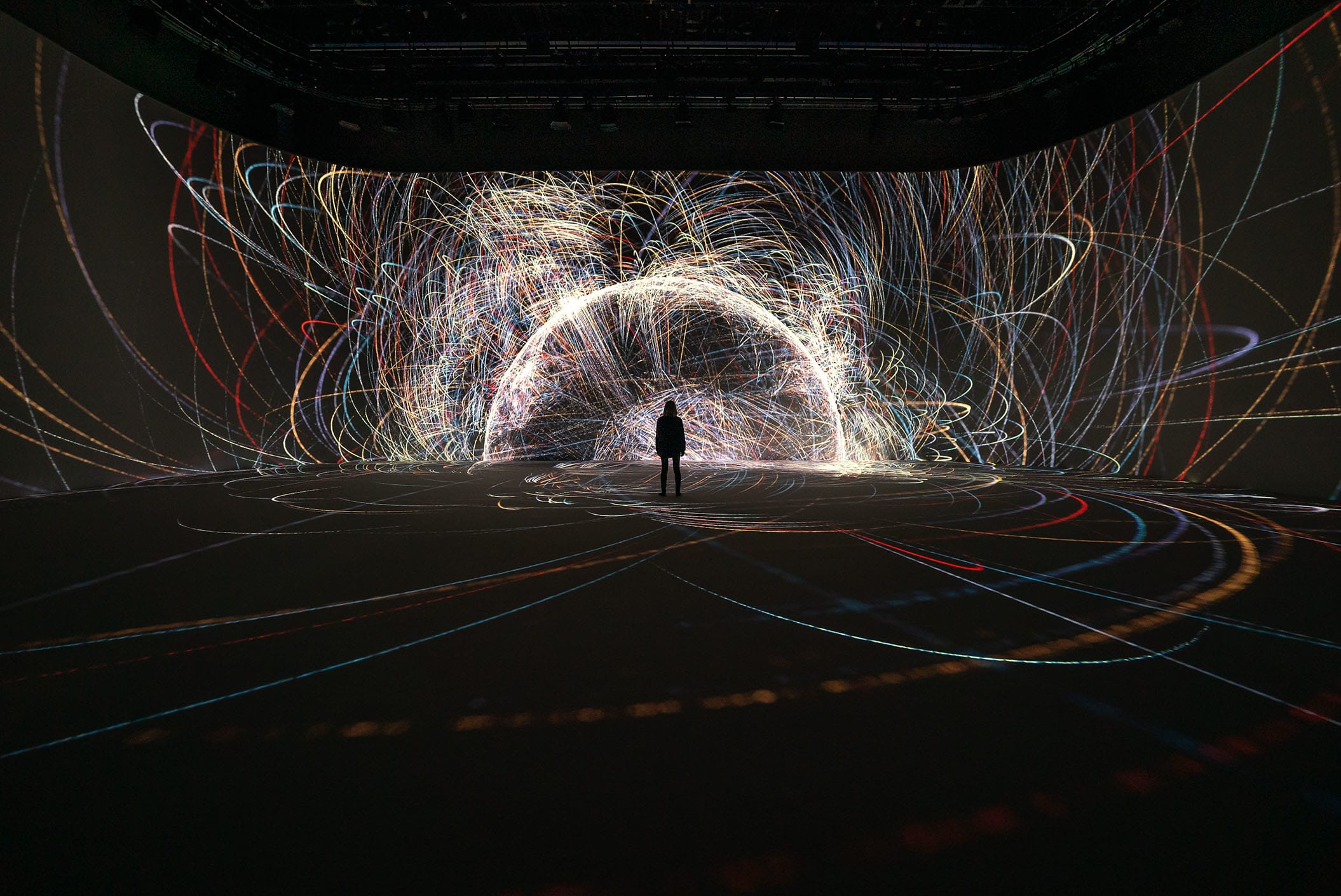
If you’ve ever wondered how artists create those mesmerizing digital displays at concerts or interactive museum installations, chances are they’re using TouchDesigner. But what exactly is it, and why are creators talking about it?
What is TouchDesigner in Simple Terms?
TouchDesigner is like a digital canvas where you can create interactive visuals without writing complex code. Think of it as building with digital LEGO blocks – each block does something specific, like create shapes, play videos, or respond to sound. When you connect these blocks together, you can create everything from simple animations to complex interactive experiences.
What Can You Actually Make With It?
Here’s what people commonly create with TouchDesigner:
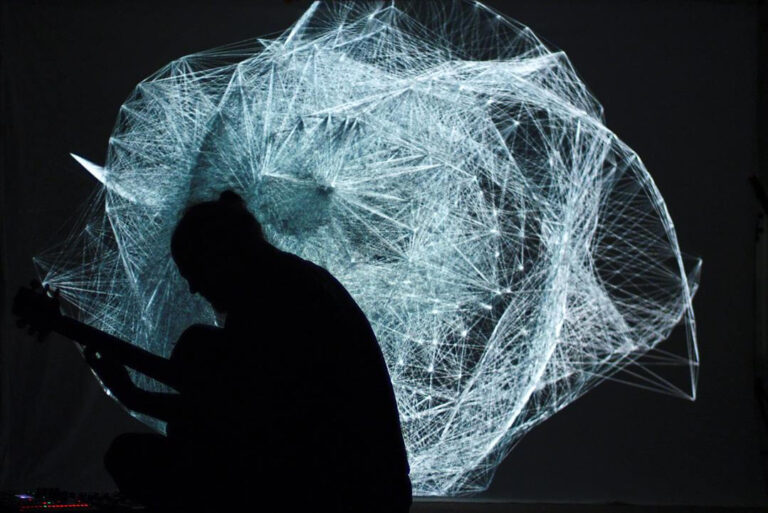
- Concert visuals that move with the music
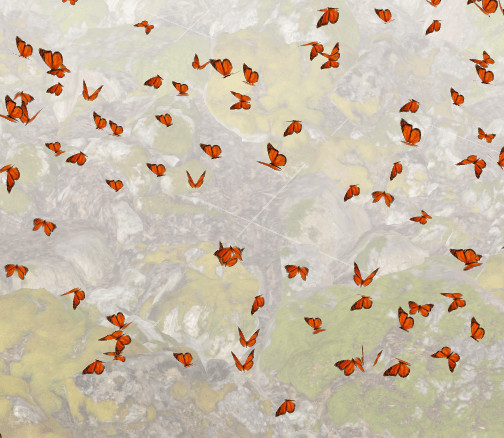
- Interactive art installations for museums
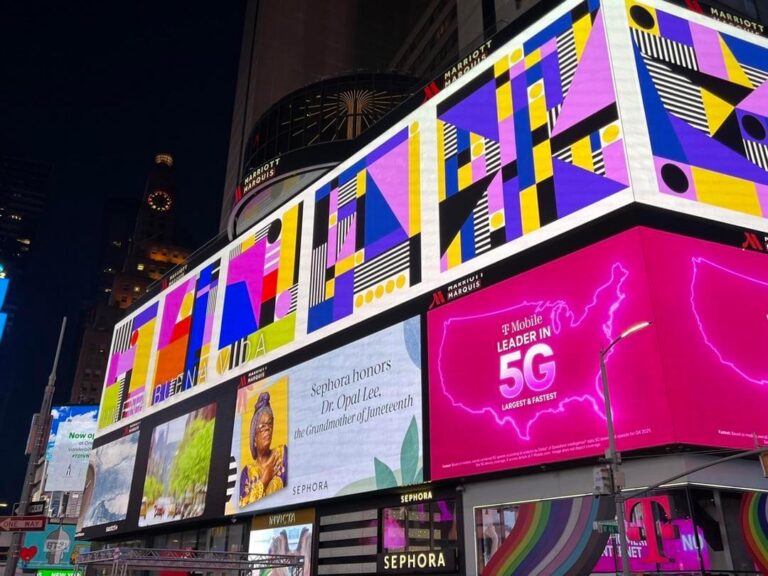
- Digital displays for events and exhibitions
- Live visual performances
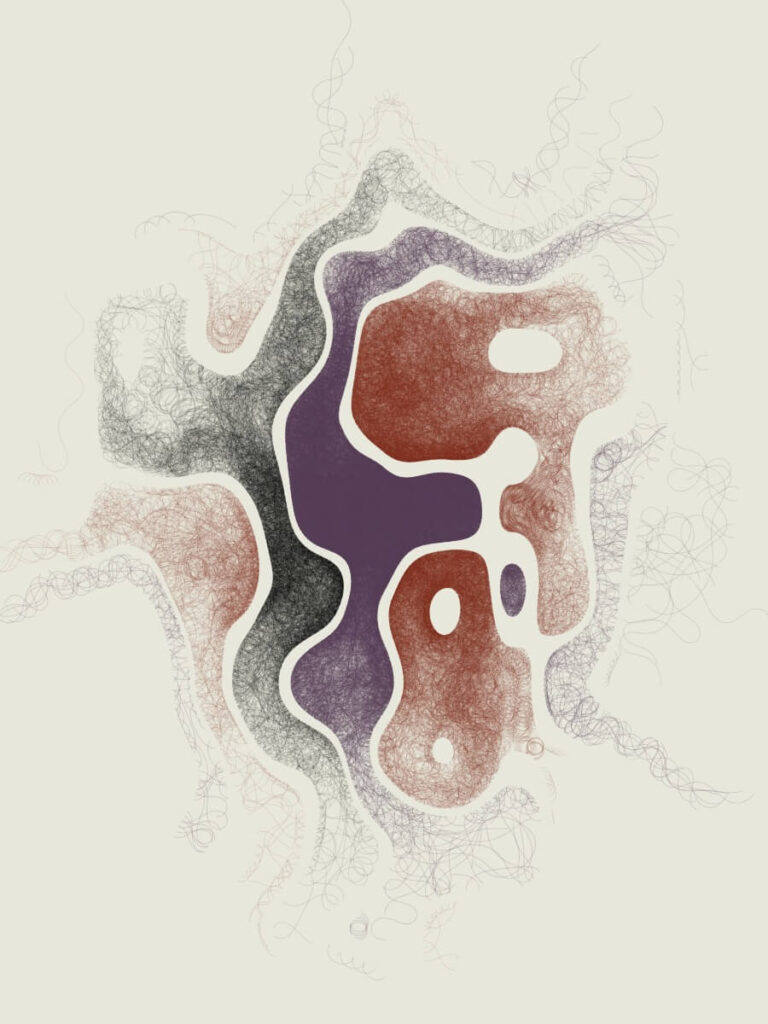
- Experimental art projects
Who Uses TouchDesigner?
- Digital artists creating interactive artwork
- VJs (Visual Jockeys) at concerts and events
- Museums designing interactive exhibits
- Creative studios developing digital experiences
- Anyone interested in creating visual art with computers
Do I Need to Be a Programmer to Use It?
No! While programming knowledge can be helpful, TouchDesigner is designed to be visual. Instead of writing code, you connect visual blocks (called nodes) to create your projects. It’s like drawing a map of how you want your visuals to work.
How Hard is it to Learn?
TouchDesigner has a learning curve, but you can start creating simple projects within a few hours. The basics include:
- Understanding the workspace
- Learning how to connect nodes
- Creating basic shapes and animations
- Making your creations respond to input (like sound or movement)
How to Get Started
- Download the free version from TouchDesigner’s website
- Watch beginner tutorials on YouTube
- Start with simple projects like making shapes move
- Join the TouchDesigner community forums
Is TouchDesigner Free?
TouchDesigner offers a free non-commercial license that’s perfect for learning and personal projects. While it has some limitations, it includes all the essential features you need to start creating.
Why Should You Try TouchDesigner?
- It’s a unique way to create digital art
- You can see results immediately
- There’s an active community ready to help
- It opens up new creative possibilities
- You don’t need expensive equipment to start
Common Questions About TouchDesigner
Q: What computer do I need? A: Any modern Windows or Mac computer will work, but having a decent graphics card helps.
Q: Can I use it for commercial projects? A: You’ll need a commercial license for paid work, but the free version is perfect for learning.
Q: How long until I can make something cool? A: You can create simple interactive visuals in your first session, though more complex projects take time to master.
Ready to Start?
TouchDesigner might seem overwhelming at first, but remember: every professional user started as a beginner. Download the free version, follow some tutorials, and start experimenting. You might be surprised at what you can create!
Want to see TouchDesigner in action? Check out our gallery of beginner projects for inspiration.